I love to play with LEDs and microelectronics, and I have a stack of recent projects. I couldn’t figure out what to say about them individually, but there seems to be a theme developing, so I figured I’d write up a little article about them.
- Raspberry Pi GPIO control
- Adafruit Circuit Playground Express Infrared Control
- Adafruit Trinkey Rotary
- Micro:bit Control
- Adding Servos with Micro:bit Crickit
Raspberry Pi GPIO control
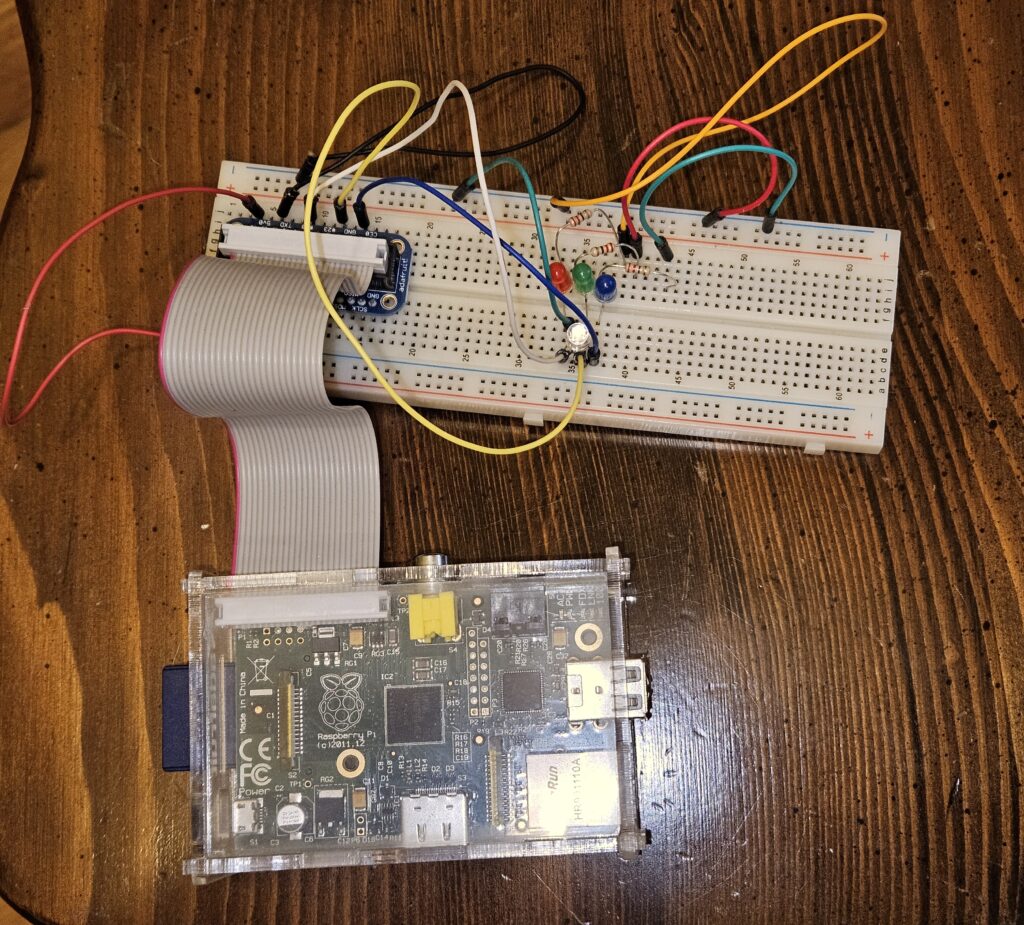
I happened to have an old Raspberry Pi lying around, and I built up a circuit that had an three separate LEDs: Red, Green, and Blue. Each was connected to a separate GPIO pin and I used keyboard input to turn on and off the LEDs.
Once I completed that, I grabbed and RGB LED and wired that into the same GPIO pins, and was able to directly control that through the same method as the individual LEDs.
Here’s the circuit with all the LEDs in place:
Adafruit Circuit Playground Express infrared control
I also had a Circuit Playground Express lying around and it has an infrared receiver. I used a remote control from a commercial LED lightbulb and some code to process the signal and change the onboard RGB LEDs based on button presses from the remote.
Adafruit Rotary Trinkey
I then stumbled on the AdaFruit Rotary Trinkey and built some code to change the onboard LED. I wanted to have the knob control the each color of the RGB LED individually.
Micro:bit control
I’ve been a fan of the Micro:bit ecosystem, so I wanted to use it to control LEDs. I have some experience controlling NeoPixels from a Micro:bit so I wired up a strand something like this one to the Micro:bit. I have asked Claude to help me build a QLC+ connector in another recent project so I figured I’d try to use it again for this one. It built me the Micro:bit firmware and a bridge between QLC+ and the Micro:bit. Ultimately, I was able to use the sliders in QLC+ to change the individual colors in each LED.
Unfortunately, there were a couple things I couldn’t overcome. First is that I couldn’t get the protocol timing quite right, so I couldn’t send QLC+ cues, or any more data than a single slider at a time. (I did have better luck using the Circuit Playground Express, which seemed to have better serial behavior.) Also, the Micro:bit didn’t provide quite enough voltage, so the LEDs misbehaved a little bit. Overall, I was excited to build a good proof of concept.
Servo control with Micro:bit Crickit
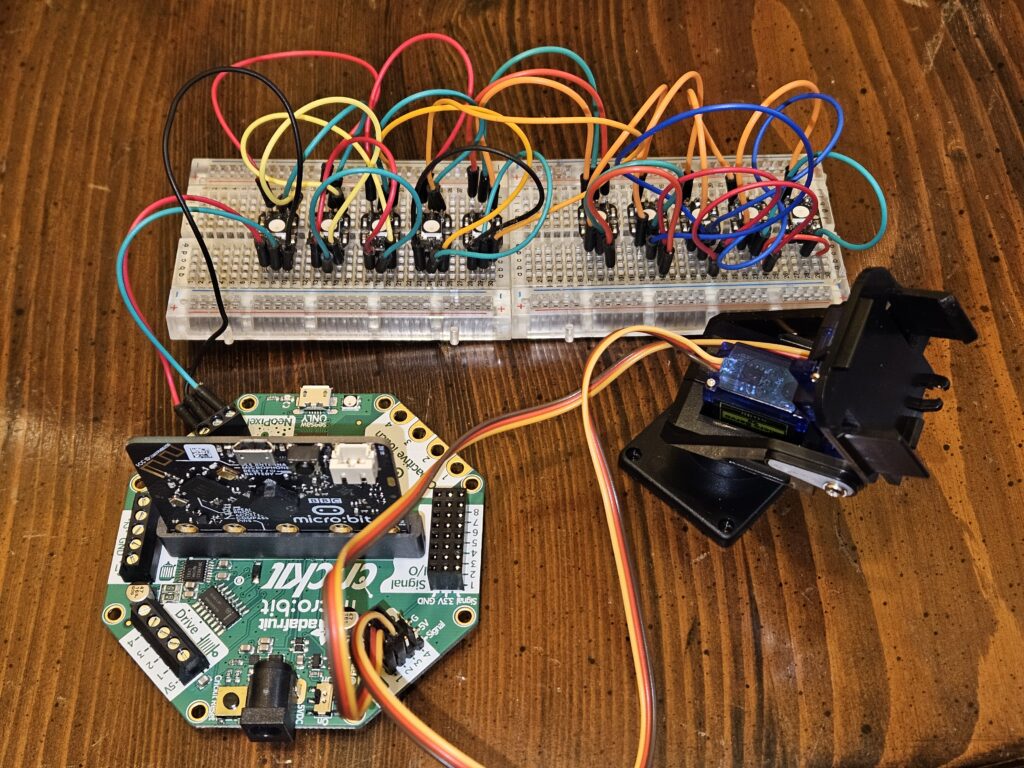
In order to supply better power to the LEDs, and because I bought a servo arm that also needed more power, I bought a Micro:bit Crickit. I was going to buy the Circuit Playground Express Crickit, but it was out of stock so I figured I’d give the Micro:bit a shot with better electrical power. The LEDs behaved much better with the Crickit, but the serial was still flakey so I couldn’t send lots of data from QLC+, so I may ultimately have to move back to the Circuit Playground Express for the serial performance, but this was a good upgrade.
As another upgrade, I used the breadboard-friendly individual Neopixels so that I’ll be able to move them around. I’d like to build this into a little scale model of a theater so I could have a fun little theatrical lighting design space that I can use with QLC+.
Here’s the updated setup with the servo and individual LEDs