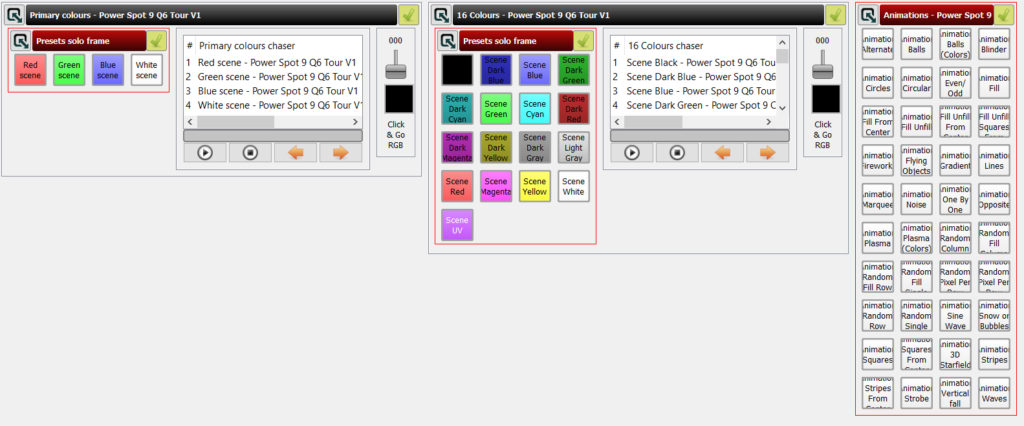
I wanted to make a widget where you can drag the pointer around and change your lighting color. I am assuming a specific configuration of lights. In particular, I am using 10 DFX VersaPars, all in a 6 channel RGBWAU configuration. I use QLC+ version 4 as my lighting control software.
I initially tried using ChatGPT and it really wasn’t working well. I learned some things from that process and tried again with Claude. Claude also had some bugs, but worked them out pretty easily. Ultimately, I learned that QLC’s native widget set doesn’t allow for a real-time draggable color widget. They have the ability to open up the color control, click, and then send. I wanted more of a draggable option. So I asked Claude and it helped me out.
It helped me with a webpage that connects to QLC+ through WebSockets and gives me exactly the interaction that I imagined!
The first step is to run QLC+ with WebSockets enabled with the following command:
qlcplus.exe -wOnce that is up and running, you’ll want to add your fixtures through the standard QLC process.
Once you have your fixtures in place, you’ll want to make sure that you’re in operate mode in QLC+. I didn’t realize that the WebSockets wouldn’t have any impact unless you push the play button in QLC+.
Once you’re all setup there, you can open the file below in a web browser, and it will connect to QLC+ and you should be able to drag around and see the results in QLC’s DMX monitor for testing, and in your lights once you’re all hooked up!
Here’s a preview of what you should see when you open the file in a web browser:
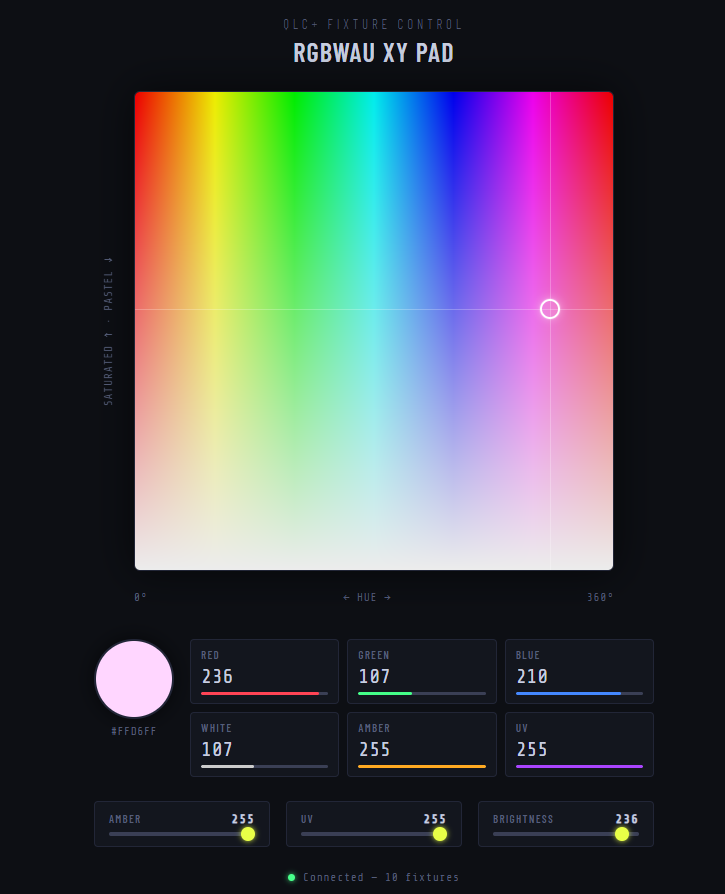
The only thing that I don’t love about this setup is that there’s no easy way to separate out the UV so you can do exclusively black light effects. Fortunately that’s easily solved with QLC’s native virtual console capabilities.